AION 2 Download
Content updated:
The September Launch Scale Test has ended. Use the main official AION 2 Steam listing for current PC access, language support and system requirements; the Playtest app is a separate test client. The collected official sources do not publish a final universal launch-day download procedure.
Read the latest player briefing →
Official media · NC · official wallpaper
A safe route from storefront to installation
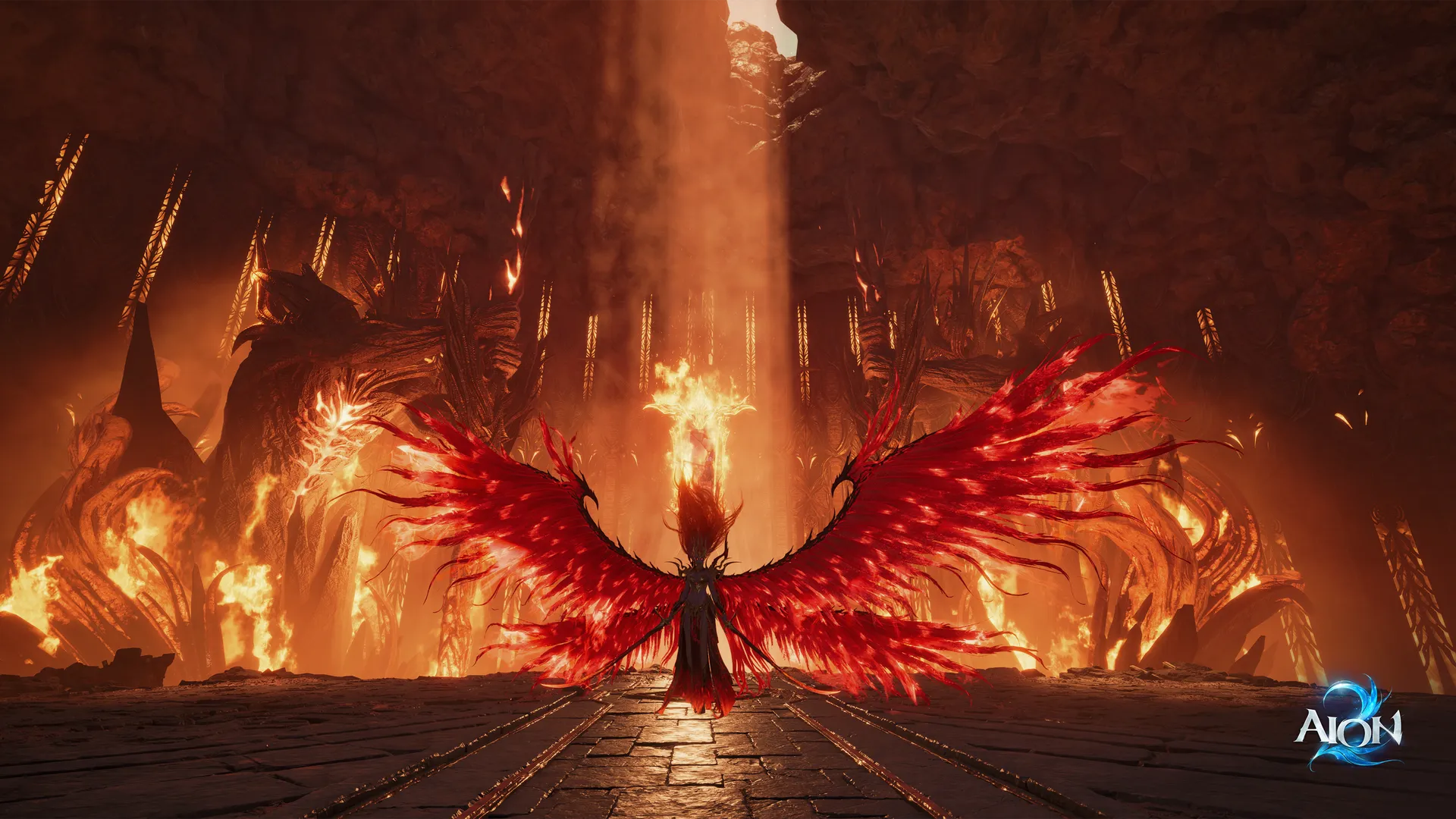
Use the publisher’s own Steam link. The artwork is a world illustration, not a download button; the source link below is the route to the real client listing.
What to look for
- Open the official listing and check that the title is AION 2, not the original AION.
- Compare your PC with the live minimum and recommended requirements.
- If installation is unavailable, check the release or test schedule instead of using a mirror.
September Launch Scale Test: past schedule
The scheduled September test window has passed. The times below are historical reference, not a current invitation to join. NC’s August 27 notice, checked September 12, scheduled two six-hour sessions. All dates below are in 2026. PDT is UTC−7; CEST is UTC+2. This is a test, separate from Advanced Access and full launch.
| Stage | PDT (UTC−7) | CEST (UTC+2) |
|---|---|---|
| Pre-download | September 16, 06:00–September 17, 06:00 | September 16, 15:00–September 17, 15:00 |
| Day 1 | September 17, 06:00–12:00 | September 17, 15:00–21:00 |
| Day 2 | September 18, 12:00–18:00 | September 18, 21:00–September 19, 03:00 |
After the test: use the correct client
The notice described open participation without keys, invitations or a Founder’s Pack during the September test. That window has passed. For current PC access, start from the main official Steam listing rather than treating the Playtest app as the launch client. The client instructions below come from that dated notice; check for newer regional instructions before installing.
- Progress carries between the two test days, then is wiped. Nothing transfers to Advanced Access or launch.
- The test level cap is 37; this does not establish the full-launch cap.
- Purchases, trading and Founder’s Pack items are unavailable during the test.
| Platform | After the test |
|---|---|
| Steam | Uninstall the Playtest app and download AION 2 separately for Advanced Access. |
| PURPLE | The notice says no further steps are needed. |
Start from the official PC route
The official Steam page is the reliable starting point for the PC version. It identifies AION 2 as a PC title and is the current source for storefront availability, supported languages, and system requirements.
Avoid using a reposted installer, an APK mirror, or an unrelated store result as proof of an official PC download. Those sources cannot confirm account, region, or client safety.
Check the live listing before installing
Store availability changes as release approaches, so confirm the page while signed into the region you intend to use. Read the current requirements and the selected language options on the listing rather than copying an old specification image.
The official sources collected for this guide do not state a complete launch-day sequence for client downloads, preload, account linking, or regional unlock timing. Wait for a dated first-party instruction for those details.
Sources used on this page
Where to verify updates
- Official Launch Scale Test notice — August 27, 2026 ↗Global test schedule, participation, progress wipe and client handling; checked September 12, 2026
- AION 2 Steam Playtest — linked by the official test notice ↗the test client destination; check the live access action for your account
- Official AION 2 Steam listing ↗current PC storefront status, supported languages, and system requirements
- Official AION 2 site ↗current publisher launch messaging and the official Founder’s Pack lineup
Related AION 2 Guides
AION 2 Steam — Official Store Status & Guide
AION 2 has an official Steam listing for PC. Use that listing for its current launch window, Founder’s Pack availability, supported-language display, system requirements, and access status rather than relying on copied store data.
Read guide →
AION 2 Release Date — Official Window & Updates
The English official AION 2 site now explicitly announces October 5, 2026 as the full launch date. This replaces the earlier September window. Check your regional notice for the unlock time; Founder’s Pack advanced access is a separate entitlement.
Read guide →
AION 2 Mobile — Official Platform Status Guide
The official Korean AION 2 material contains service-specific mobile references, while the official global Steam listing is for PC. Those records do not establish a single mobile availability answer for every country or global service.
Read guide →Need an official answer?
Check the official site and community channels for the next confirmed update.