AION 2 Twitch Drops Not Received
Content updated:
For global AION 2, check that Twitch is connected to the account you actually play: Steam for Steam players, NC (PURPLE) for PURPLE players. Claim earned rewards manually in Twitch Inventory. The announced claim deadline is October 30 at 23:59 PDT / October 31 at 07:59 CET. If rewards are missing, do not add a separate NC account link; check the official support guidance first.
Read the latest player briefing →
Before changing account links
NC’s October 1 account-linking notice says Steam players must link their Steam account, while PURPLE players must link their NC account. Use the Steam icon on the official Twitch Drops page if you play on Steam.
Do not separately link another account on the NC website to repair missing Drops. NC warns this can disconnect the existing association and prevent access to the character you currently use. If your character disappeared after an account change, use the official global support FAQ rather than trying more account changes.
Check eligibility, progress and the claim
These checks cover the global campaign. The official FAQ excludes the Korea and Taiwan services. Rewards are delivered to the linked account, so a different NC account can receive them instead of your Steam account.
- Open the official Drops page and check My Page → Manage Login against the account you actually use.
- Watch a channel participating in the current AION 2 campaign; check progress in Twitch Drops Inventory. Progress can continue across participating channels.
- Claim each earned reward manually in Twitch Drops Inventory while it remains available there. The campaign announcement gives October 30 at 23:59 PDT / October 31 at 07:59 CET as the claim deadline. Watching alone is not the claim.
- If a global reward was claimed but is still absent, contact official support. Keep the claim record and platform details; do not post passwords or authentication codes.
Two campaigns, separate progress windows
The Advanced Access watch window has ended. The official announcement lists Global Launch watching for October 5–16, 2026, ending October 16 at 23:59 PDT / October 17 at 08:59 CEST. Its October 30 at 23:59 PDT / October 31 at 07:59 CET claim deadline is separate: the later claim date does not extend watch progress. Check the active campaign and each earned Drop in Twitch Inventory.
| Campaign | Watch time | Reward |
|---|---|---|
| Advanced Access: Sep 30–Oct 4 | 15 minutes | Cyber Glasses |
| Advanced Access: Sep 30–Oct 4 | 8 hours | White Headset |
| Global Launch: Oct 5–16 | 1 hour | Odyle Energy ×4 |
| Global Launch: Oct 5–16 | 4 hours | Head Bow |
| Global Launch: Oct 5–16 | 10 hours | Adorable Young Elim |
Keep Twitch Drops separate from pack benefits
Founder’s Pack membership and launch login rewards have different eligibility and delivery rules. A missing pack benefit is not solved by watching more Twitch. Use the Founder’s Pack guide below for purchase, receipt and membership-status checks.
Campaign and account sources were rechecked October 11, 2026. This guide verifies the published linking and claim rules, not a tested delivery time or every in-game menu location. The official FAQ promises no fixed wait time in the material reviewed.
Next War for Atreia watch window: October 12–14
This separate event requires participating War for Atreia creators. The October 2–4 and October 7–9 watch windows have ended. The next listed window is October 12–14; its exact start and end times remain TBD in the announcement rechecked October 11. Campaigns depend on creators reaching the event’s point threshold. Confirm the active campaign on the event page and Twitch Inventory before watching. The announced claim deadline is October 30 at 23:59 PDT / October 31 at 07:59 CET.
| Watch time | Reward |
|---|---|
| 30 minutes | Odyle Energy ×4 |
| 1 hour | Skin Chest x10 (Bound) ×1 |
| 2 hours | Resurrection Spiritstone ×15 |
| 4 hours | Leather Crop Fit ×1 |
Sources used on this page
Where to verify updates
- Steam official: War For Atreia Twitch Drops — October 2, 2026 ↗Separate creator-only watch windows, October 12–14 rewards and claim deadline; reviewed October 11
- Twitch Drops Inventory — progress and claim ↗Check active campaigns, progress and manual claims
- War for Atreia event — participating creators ↗Event participants and campaign unlock status
- Steam official: Twitch Drops Account Linking Guide — October 1, 2026 ↗Correct platform account and warning against additional NC account linking
- Steam official: Global Twitch Drops — September 30, 2026 ↗Watch windows, separate October 30/31 claim deadline and milestones; reviewed October 11
- Official global Twitch Drops FAQ ↗Global eligibility, manual claims, account checks and support
- Official AION 2 global support ↗Account and character access issues; use support for unresolved delivery
Account and claim checks
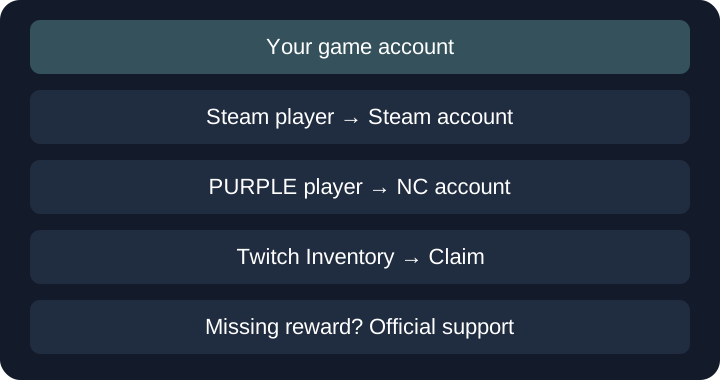
Editorial diagram of the official rules; not a screenshot of the game client.
Related AION 2 Guides
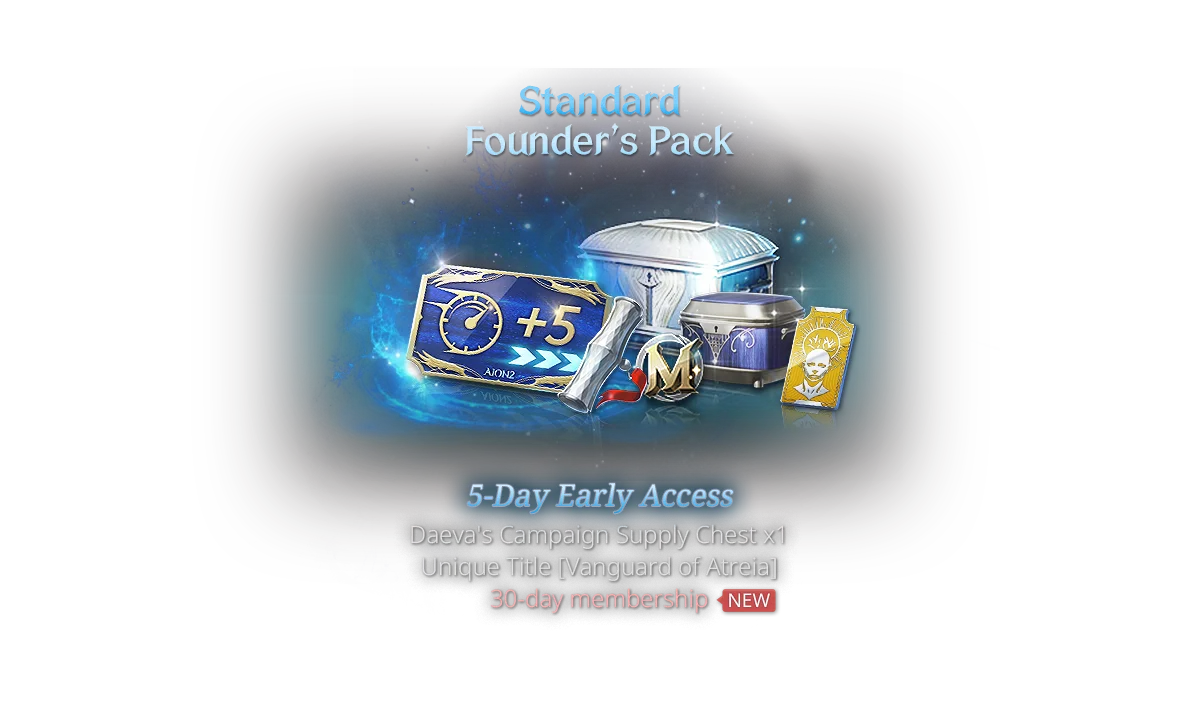
AION 2 Founders Pack — Official Status & Guide
Founder’s Pack sales ended October 5, 2026; Steam now marks the pack unlisted. Existing owners can claim eligible cosmetics free in the dedicated in-game shop on other characters and servers. The 30-day membership and supply/styling chests remain one-time rewards. Compare the original Standard, Deluxe, and Ultimate tiers below, then use the claim and support checks.
Read guide →
AION 2 Latest Updates — Skills & Launch Checklist
AION 2 launched October 5. Founder cosmetics now have a dedicated free shop following the October 6/7 update. Prepare for server transfers from October 13/14, check the current issue notices and claim the launch code before its regional deadline.
Read guide →
AION 2 Steam — Official Store Status & Guide
AION 2 has an official Steam listing for PC. Use that listing for its current launch window, Founder’s Pack availability, supported-language display, system requirements, and access status rather than relying on copied store data.
Read guide →Need an official answer?
Check the official site and community channels for the next confirmed update.