AION 2 Controller Support
Content updated:
For global AION 2, NC’s Launch FAQ says the game is playable with a controller but is not officially supported. Korea’s Game Controller Support BETA is a separate service reference. Check your own client and device; neither statement guarantees every controller model or layout.
Read the latest player briefing →
Global: playable with a controller, without official support
NC’s September 30 Launch FAQ, rechecked October 11, 2026, distinguishes being able to play with a controller from official controller support. It also limits official platform support to Steam and PURPLE on Windows PC; it does not promise Linux or Steam Deck support.
Keep keyboard and mouse available while checking movement, targeting, combat and menus on your own setup. The FAQ does not publish a supported-device list or a universal button layout. Korea’s beta guide does not establish those details for the global client.
The published beta reference
The Guidebook’s controller-support beta entry is the relevant official source for this question. It is a better reference than a random configuration file because it identifies the feature as a service-specific beta topic.
A beta label also matters: it does not promise final device compatibility, a fixed layout, or identical support in a different regional service.
Use a safe setup sequence
Start by checking the official Guidebook entry and the current PC storefront requirements for the service you plan to use. Then test the game’s own settings before installing third-party remappers or editing client files.
The collected official sources do not publish one universal controller fix or a list of all supported devices. Do not present an untested community configuration as a guaranteed solution.
Sources used on this page
Where to verify updates
- Steam official: Launch FAQ — September 30, 2026 ↗Global controller playability without official support, Windows platform scope and optional membership; rechecked October 11
- Official AION 2 Steam listing ↗current PC storefront status, supported languages, and system requirements
- Official Korean AION 2 Guidebook ↗Korea-service controls, platform entries, and class reference material
Official media · NC · official wallpaper
Build a control test you can repeat
World artwork is not evidence of controller support. Check the current client and storefront, then test navigation, targeting and combat separately before changing multiple settings.

What to look for
- Menus: test selection, back, inventory and text entry without assuming full support.
- Combat: test movement, camera, target switching and skill activation in a safe area.
- Performance: change one option at a time and compare the same scene; avoid unofficial fix downloads.
Related AION 2 Guides

AION 2 How to Play — Verified New Player Guide
Start with the AION 2 service and platform you intend to play, then choose a class and check its controls. If you are leveling in Taiwan, do not decide whether to claim dungeon rewards from level 45 alone: the service raised its level cap to 50 and changed dungeon limits on July 1, 2026. Compare the reward, Od Energy cost and remaining unclaimed-reward allowance before leaving.
Read guide →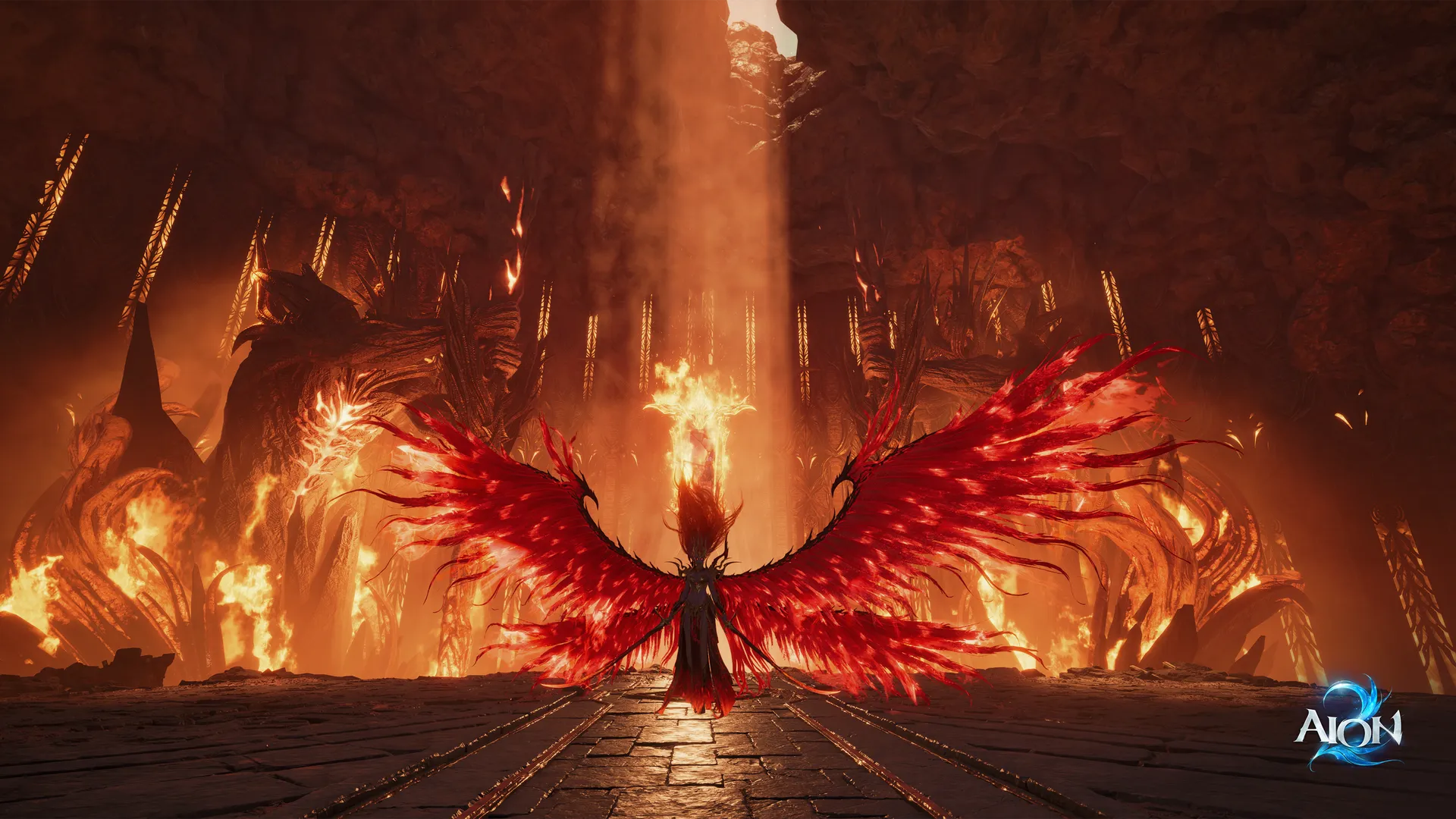
AION 2 Download — Official PC Access Guide
The September Launch Scale Test has ended. Use the main official AION 2 Steam listing for current PC access, language support and system requirements; the Playtest app is a separate test client. The collected official sources do not publish a final universal launch-day download procedure.
Read guide →
AION 2 Twitch Drops Not Received — Steam Account Checks
For global AION 2, check that Twitch is connected to the account you actually play: Steam for Steam players, NC (PURPLE) for PURPLE players. Claim earned rewards manually in Twitch Inventory. The announced claim deadline is October 30 at 23:59 PDT / October 31 at 07:59 CET. If rewards are missing, do not add a separate NC account link; check the official support guidance first.
Read guide →Need an official answer?
Check the official site and community channels for the next confirmed update.